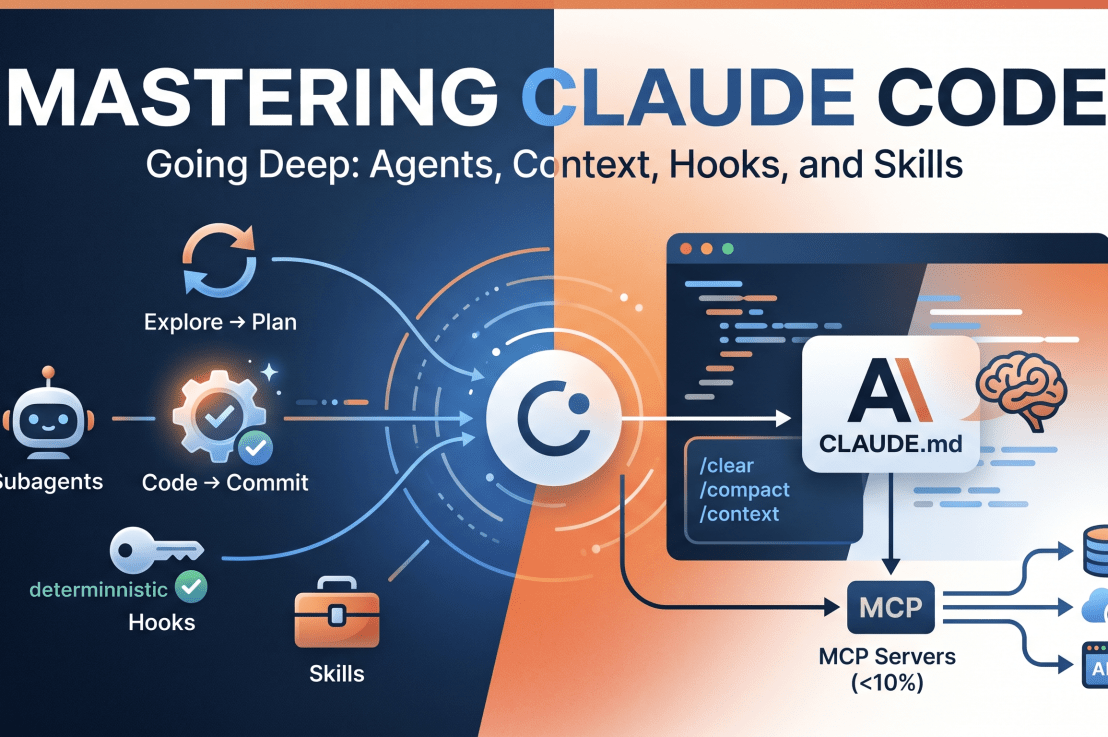
Let’s be real: most AI coding assistants are glorified autocomplete engines that require you to copy-paste code like it’s 2005. Claude Code is different. It’s an agentic coding tool that lives in your terminal, understands your actual codebase, executes commands, and—here is the kicker—does the work for you.
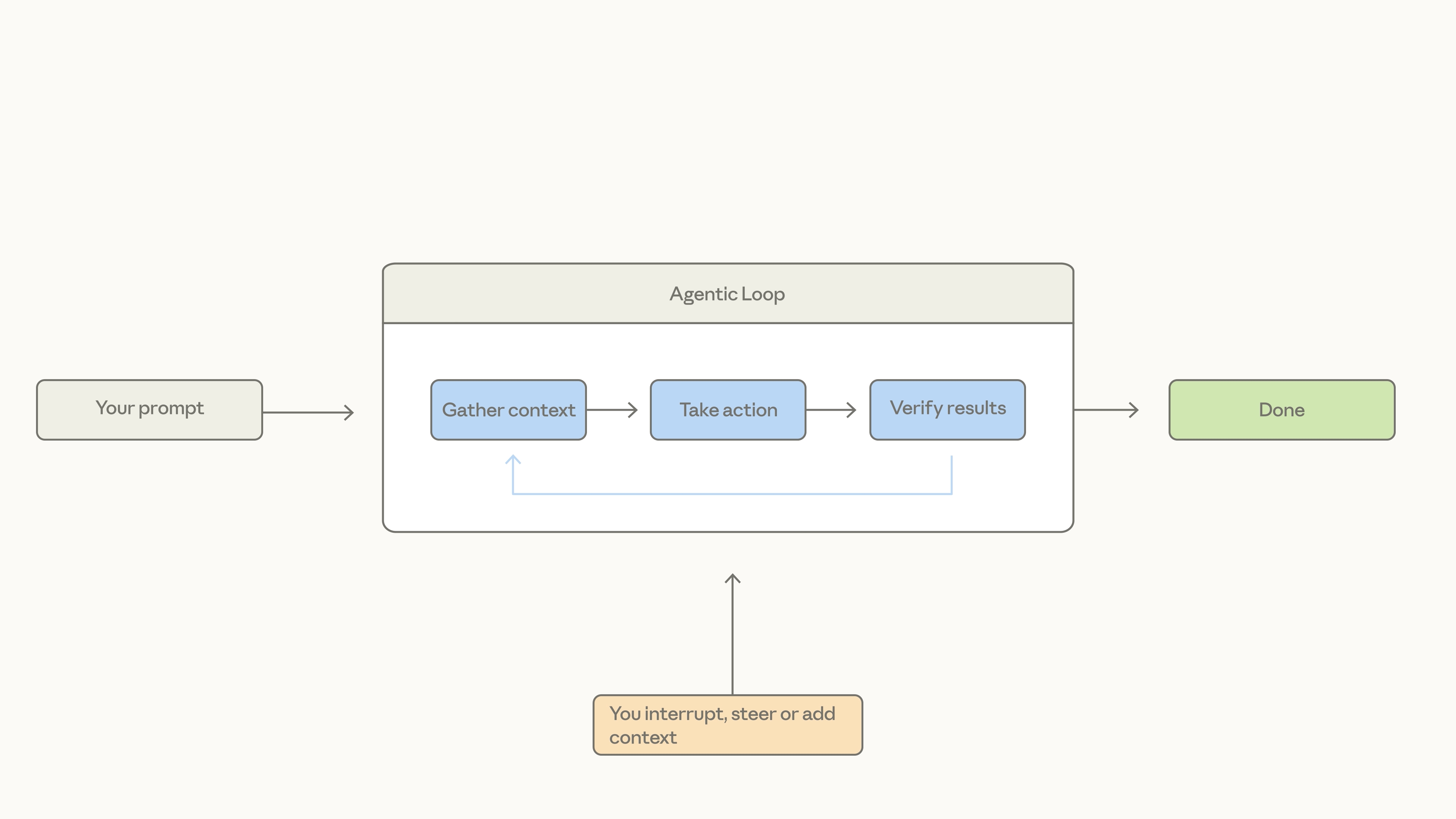
It doesn’t just suggest a function; it writes the function, runs the tests, fixes the inevitable “oops,” and commits the result.
The “Must-Know” Workflow: Explore → Plan → Code → Commit
If you jump straight to asking Claude to “write code,” you’re setting yourself up for a chaotic debugging session. Instead, embrace the Explore → Plan → Code → Commit rhythm:
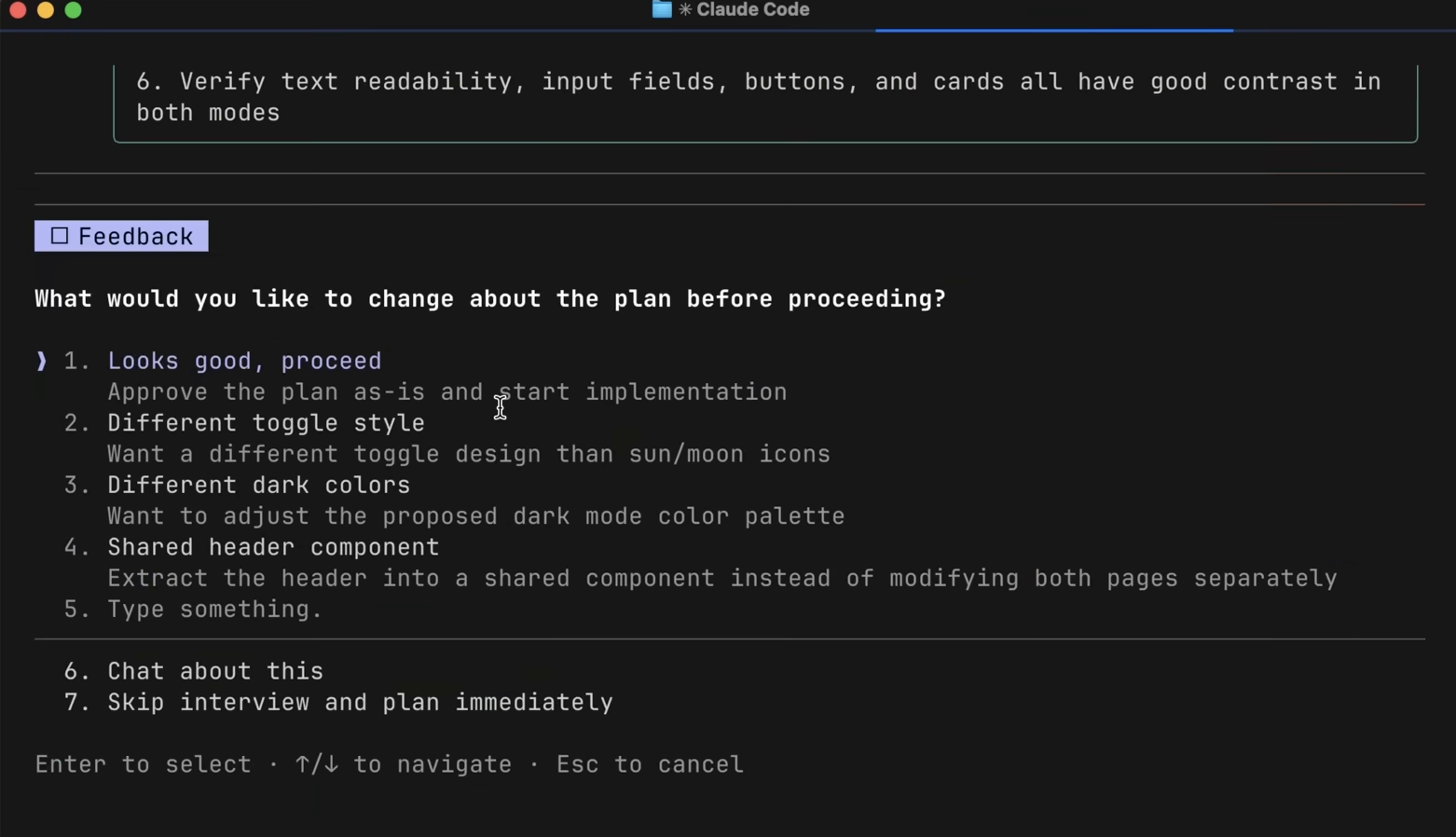
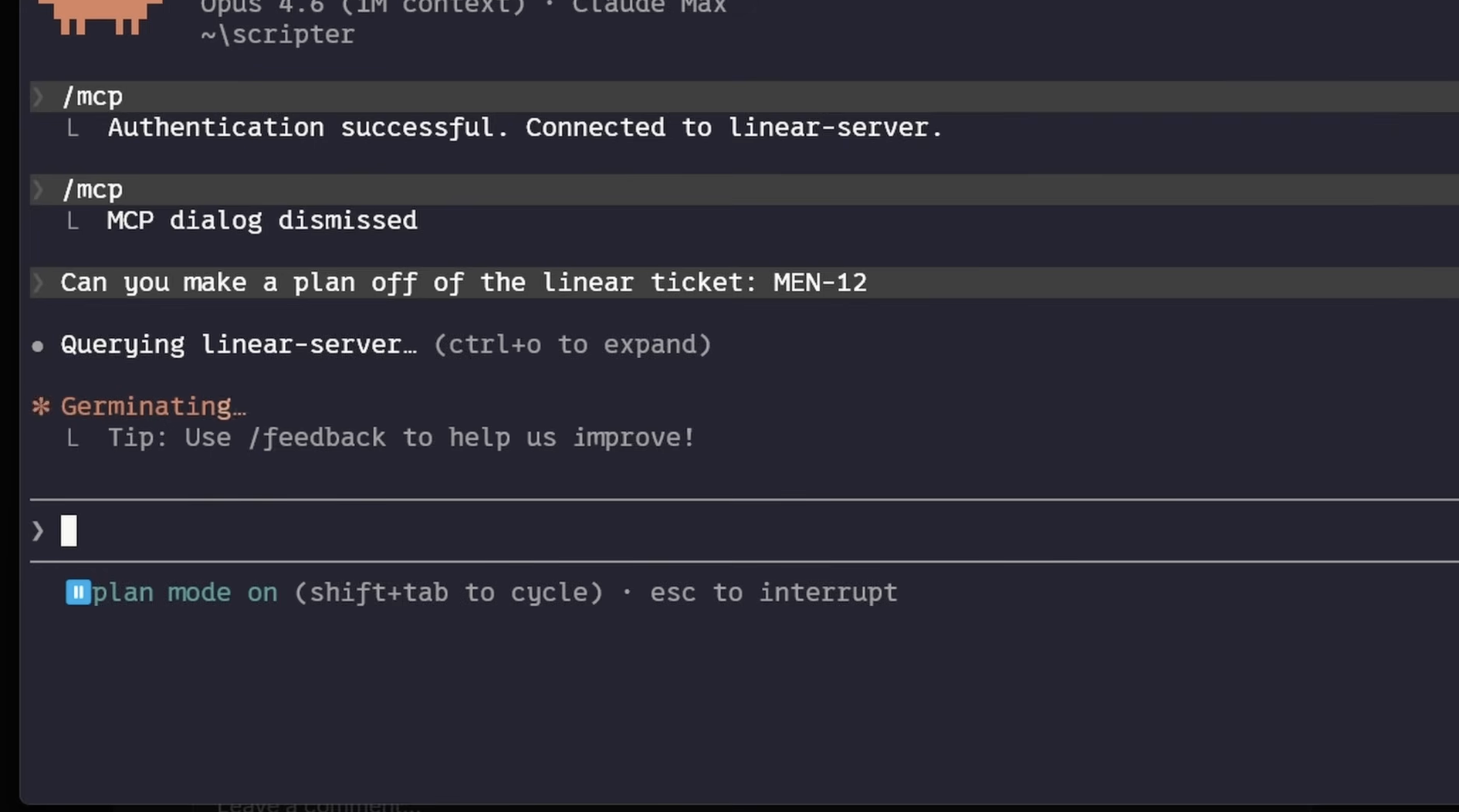
Explore & Plan: Use Plan Mode (Shift + Tab). Claude reads your files (read-only!) and builds a map. It’s like giving your GPS a destination before you start driving.
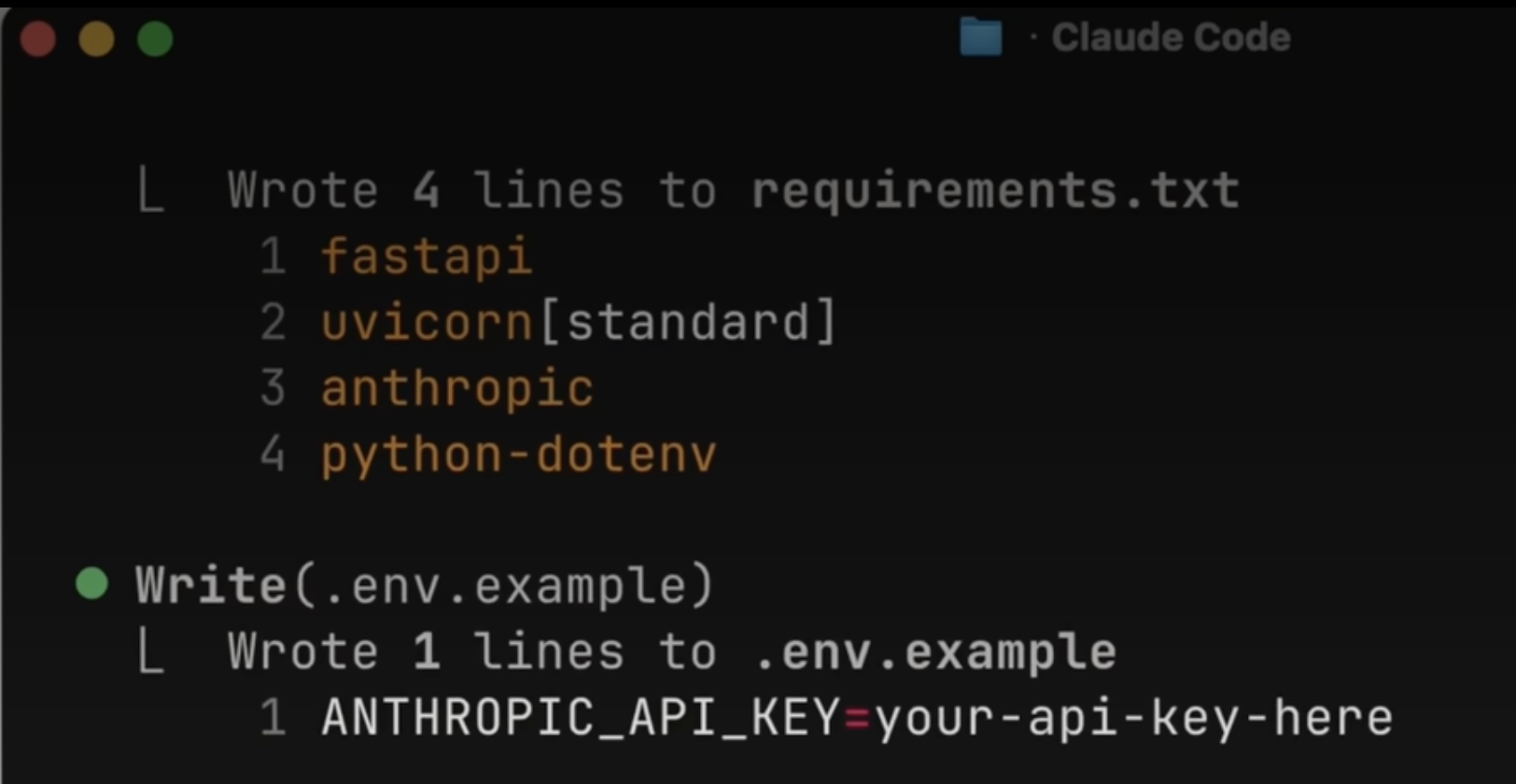
Code: Once the plan is approved, Claude executes. It’s your pair programmer—but the kind that doesn’t complain about your coffee habits.
Commit: Use built-in subagents to review your work before you push. It’s like having a senior dev check your PR without the existential dread of a code review meeting.
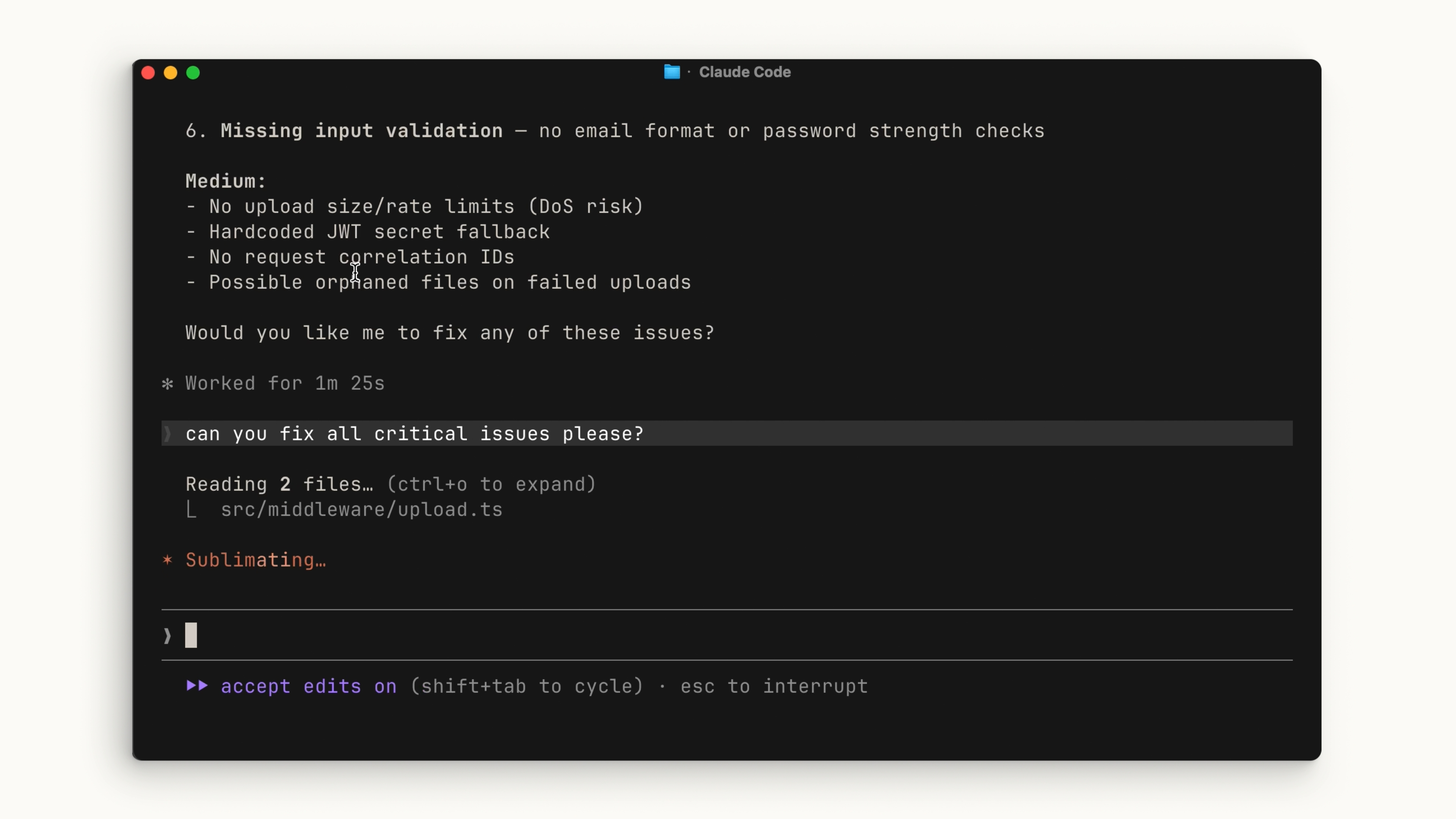
Supercharging Your Workflow (Without Killing Your Context)
The biggest challenge with any agent is the Context Window. You have a finite amount of space in Claude’s “brain,” and if you fill it with irrelevant garbage, Claude gets “dumb.” Here is how to keep it sharp:
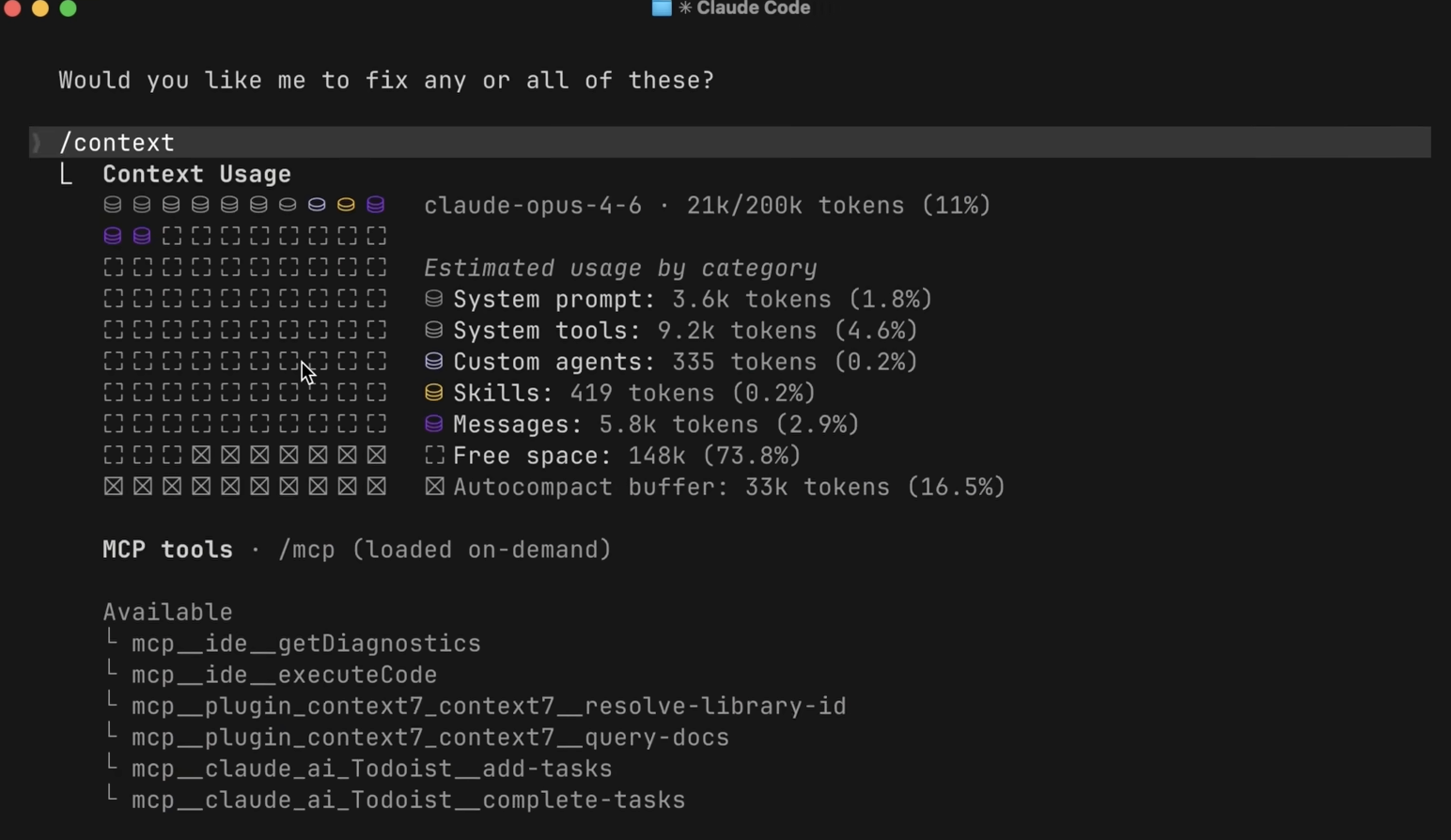
1. Skills > MCP
Think of Skills as your AI’s muscle memory. Whether it’s a specific TDD workflow or a custom PR template, Skills only load the heavy instructions when they are needed.
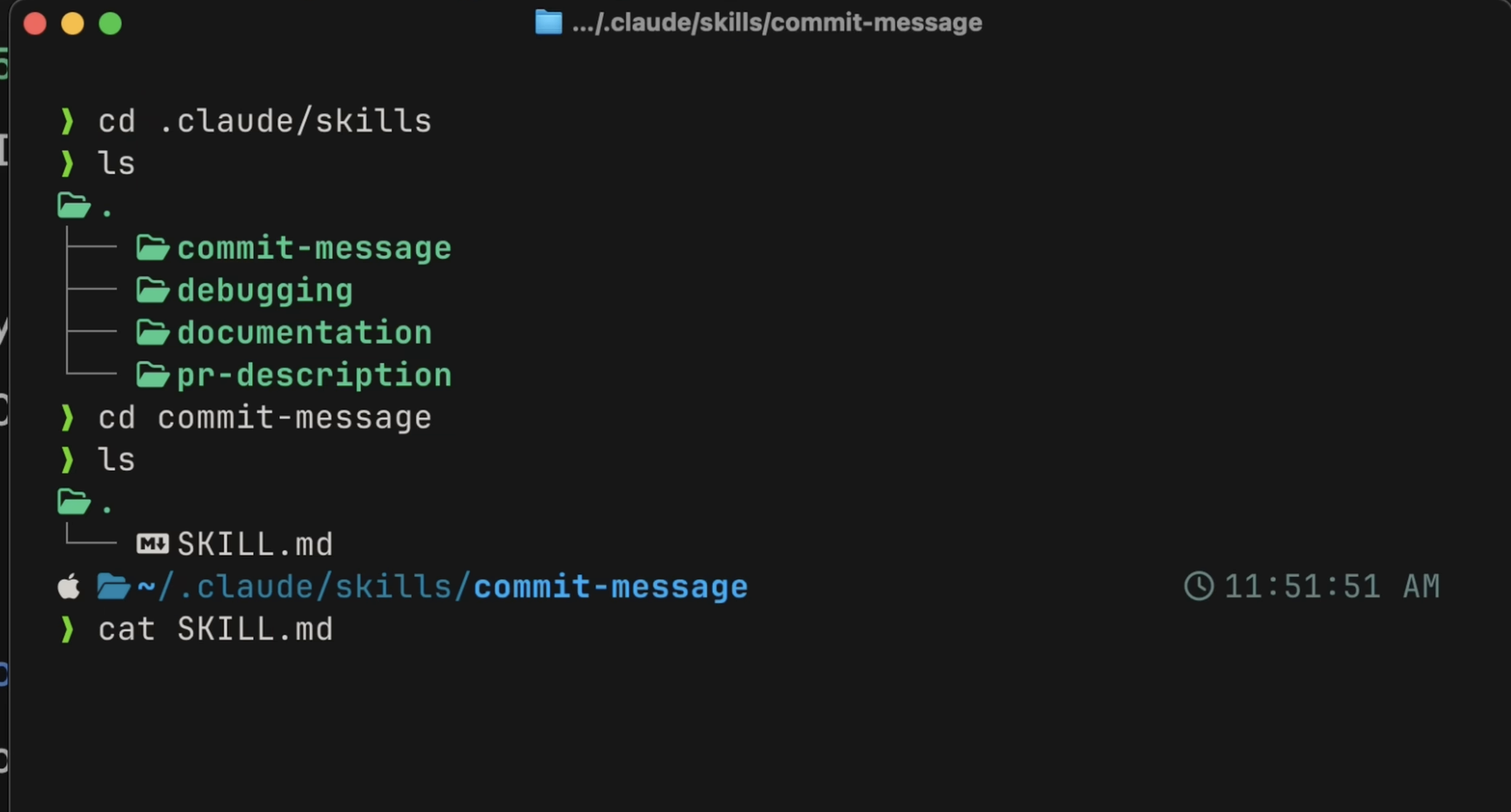
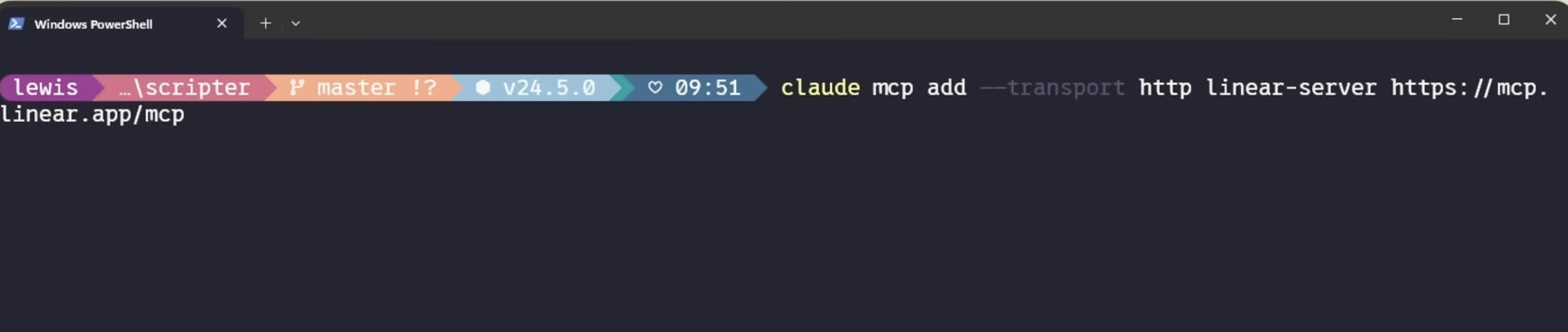
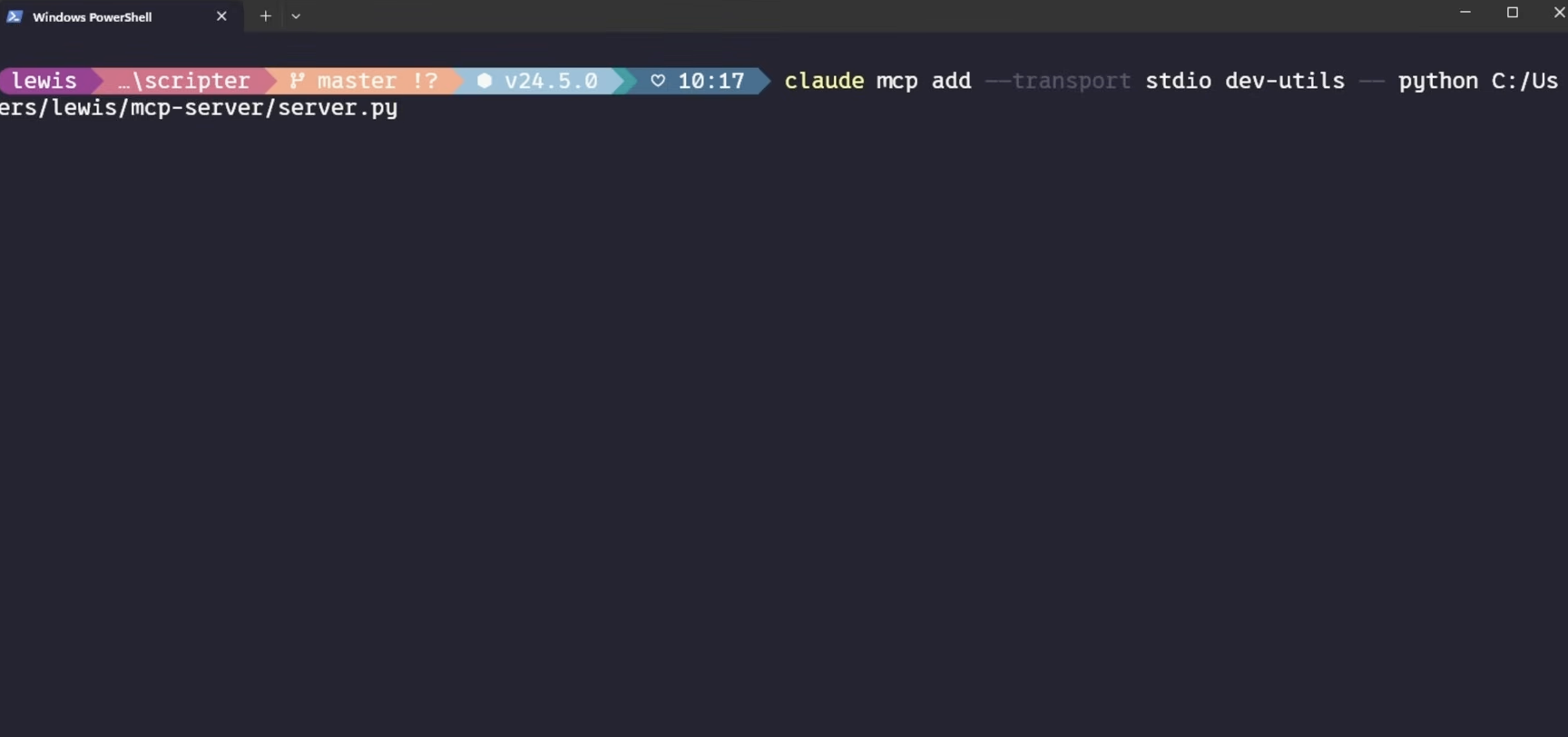
Pro-tip: Don’t overuse MCP servers. They load tool definitions into context permanently. If a tool has a CLI equivalent (like gh for GitHub), use the CLI—it’s way more efficient. Try to keep your MCP footprint under 10% of your context window, or Claude will start struggling.
2. Deterministic Power: Hooks
If you want something to happen every single time, don’t ask Claude to remember it in a prompt (it’ll eventually forget). Use Hooks.
- PostToolUse: Perfect for auto-formatting (e.g., running Prettier after every edit).
- PreToolUse: Your “Do Not Touch” switch. Block
rm -rfor production file edits. - Humor Note: Treat these hooks like your stern office manager—they don’t care about your “intent,” they just enforce the rules.
3. The Holy Grail: CLAUDE.md
If your project feels like it’s suffering from amnesia, create a CLAUDE.md file. It’s the “Onboarding Guide” for your agent. If you find yourself correcting Claude twice on the same thing, tell it to “save this rule to CLAUDE.md.” It’s basically teaching your AI to grow up.
Final Thoughts
Claude Code is essentially a super-powered intern that never sleeps. By managing your context, relying on deterministic Hooks for safety, and using Skills for reusable workflows, you stop fighting the tool and start shipping code.
Now, go forth, run claude, and try not to let the AI take too much credit for your genius.


You must be logged in to post a comment.